From git push toproduction you own
The deploy experience of a managed cloud, on machines you already run.
Early beta · expect rough edges

Deploys that feel managed.Infrastructure that's yours.
A managed-cloud deploy workflow that runs on servers you own.
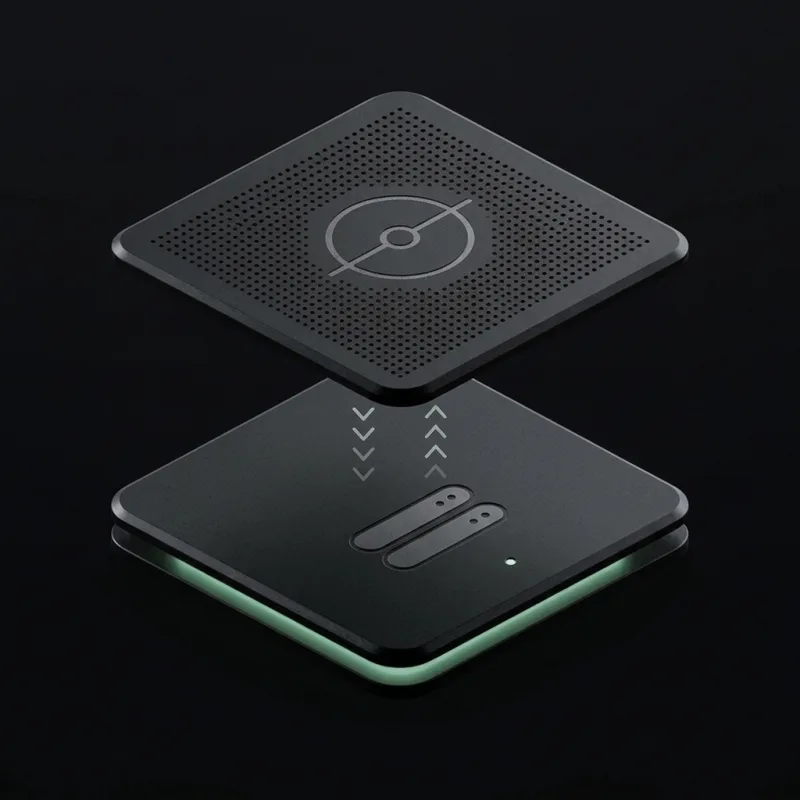
How a deploy works
Push to GitHub and your build runs in GitHub Actions. The Relay agent on your server pulls the new image, starts it beside the old one, and waits for the health check to pass before switching traffic. The old version stops only once the new one is serving.
What stays yours
Your servers connect out to Relay, so you never open a management port or expose SSH to the internet. Every project gets an HTTPS URL automatically, so you can go live before you touch DNS.
Everything betweengit push and live
Build, release, verify, promote. Relay runs the whole loop so you never SSH into a box on a Friday night again.
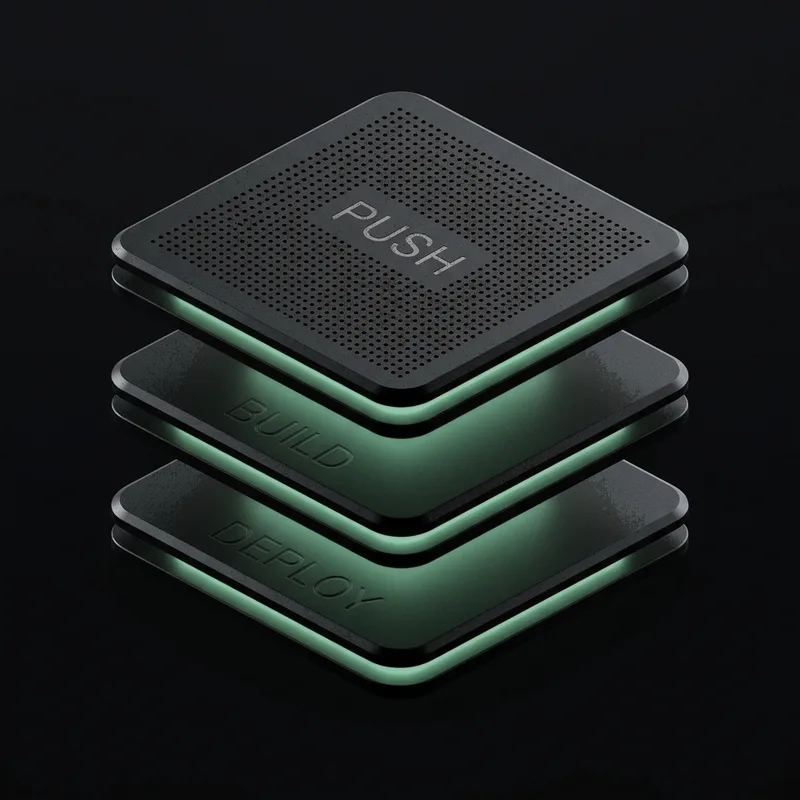
Multi-layer pipeline.
Push, build, deploy — each stage isolated and observable, so an image that reaches production is the one you tested.

Traffic control
Shift canary percentages with smooth, responsive real-time adjustments — before the whole fleet sees it.
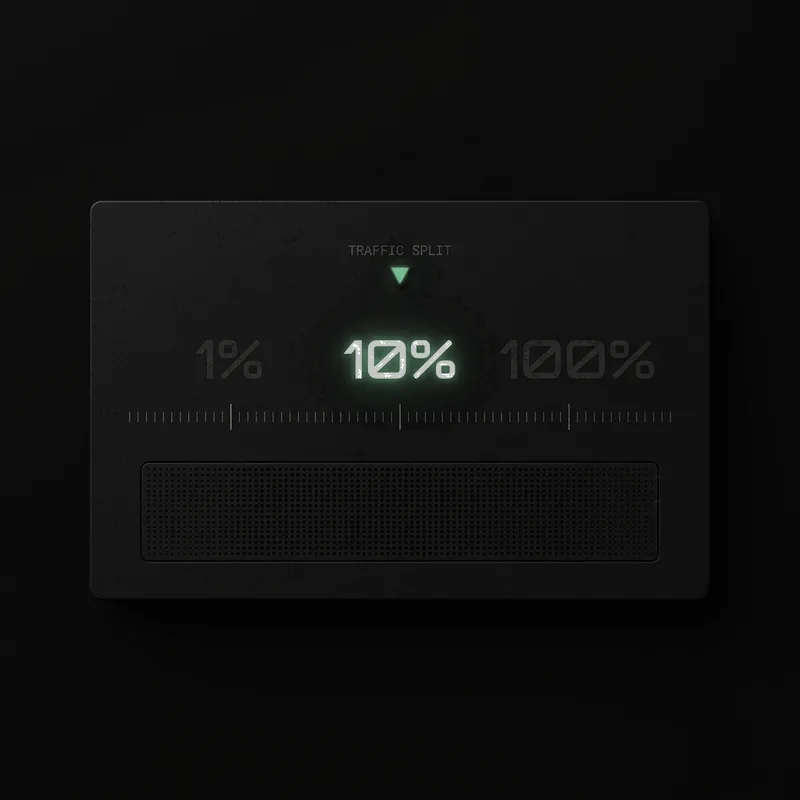
Canary by default.
From a single instance to the whole fleet. One tap changes how much traffic the new version sees, instantly and effortlessly.

$ relay deploy --canary 10% --wait healthy --rollback auto
Health-gated rollouts.
The agent starts your new container, probes the health endpoint, and promotes traffic only when every instance reports healthy. Unhealthy deploys never see a single request — and rollbacks are a traffic switch, not a rebuild.
The little thingsthat add up
Fast, observable, self-hosted deploys for product teams, platform teams, and homelabs alike.
Live build logs
Watch builds stream into the dashboard as each layer completes.
Health-gated deploys
Traffic is routed only after the new container passes its probes.
Automatic HTTPS
Platform URLs ship with real certificates; domains verify first.
Instant rollbacks
Promote any previous image with one click, in seconds.
Multi-arch builds
amd64 and arm64 images from a single GitHub Action run.
Registry in your stack
Images land in your own registry, never someone else's cache.
Env vars & deploy keys
Per-project secrets, encrypted at rest, scoped per environment.
Orgs, roles & alerts
Teams, member roles, and deploys reported to Slack and email.
0
inbound ports opened on your servers
1
command to enroll a server
1-click
rollback to any previous image
100%
of promotions health-gated
One platform,push to production
A dashboard for humans, a worker for the busywork, and an agent that lives where your apps do.

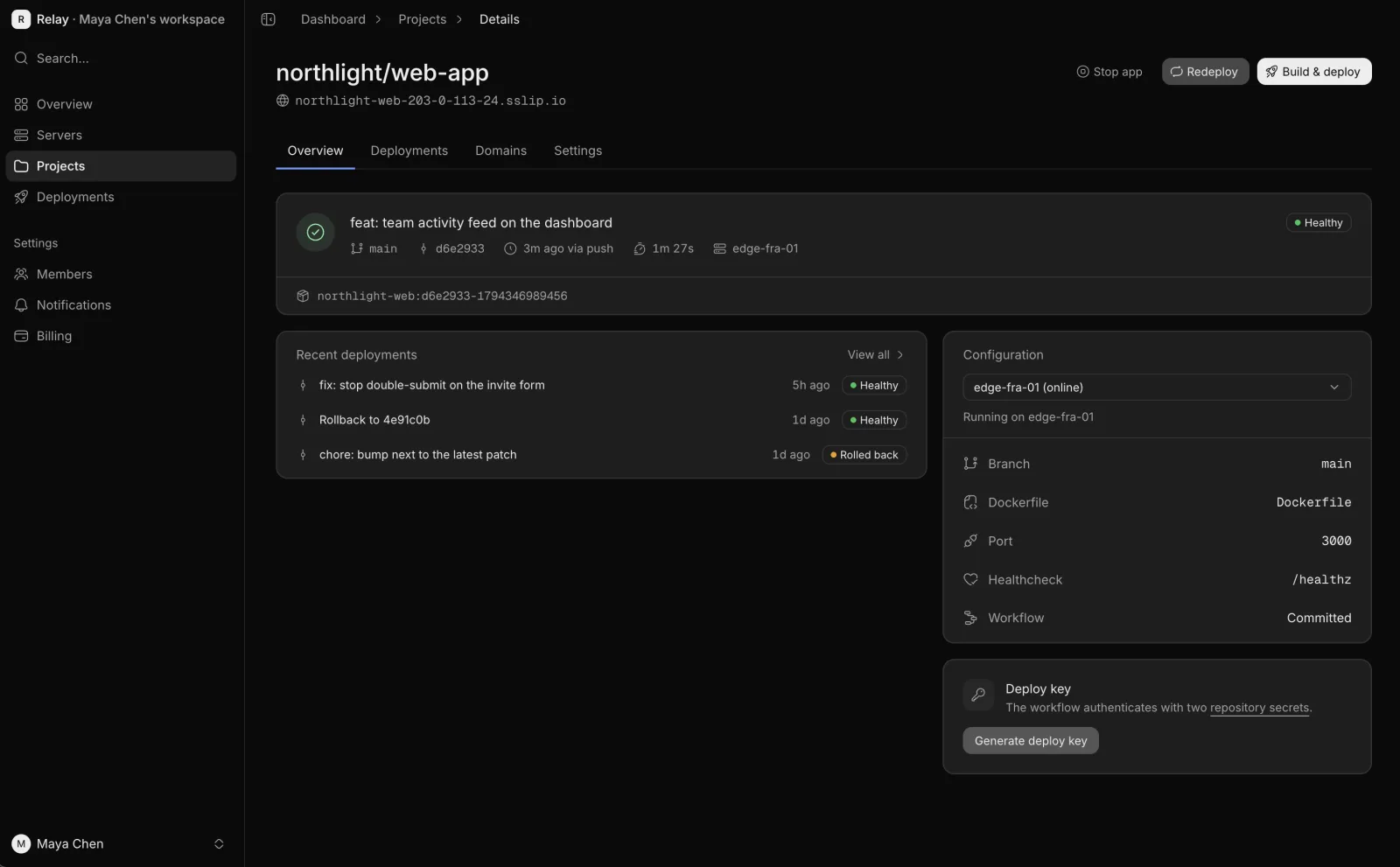
Mission control for every project
Deploy history, server health, domains and live logs for every service — in one dashboard your whole team can share.
- Deploy timeline per project
- Rollback to any previous image
- Server inventory and agent status

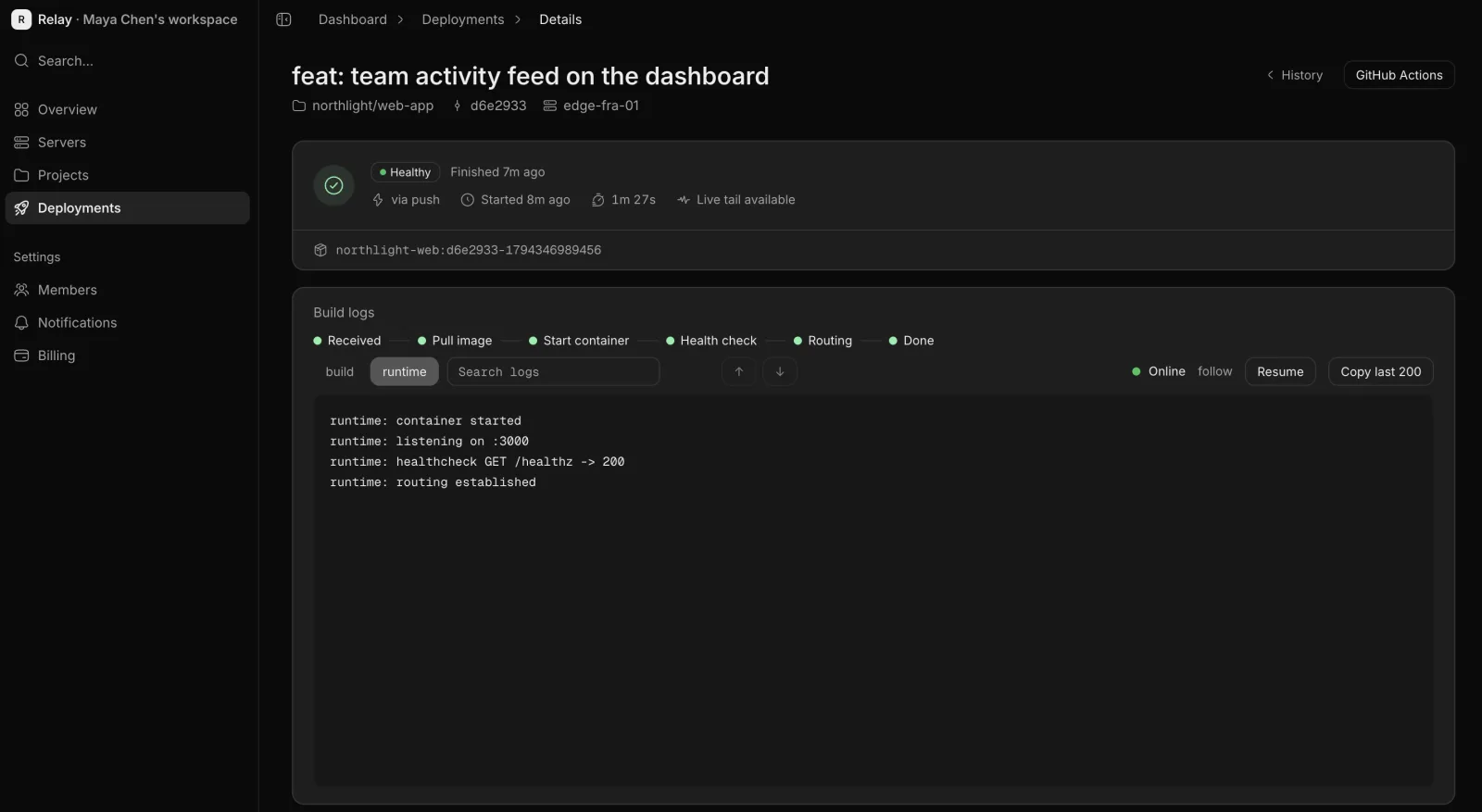
Orchestration that waits for healthy
A worker sequences every deploy: reserve the image, wake the agent, verify probes, route traffic. If the health check fails, the last healthy version is restarted and you get told why.
- Health-gated promotion
- Build and runtime logs streamed live
- Last healthy version restarts on failure

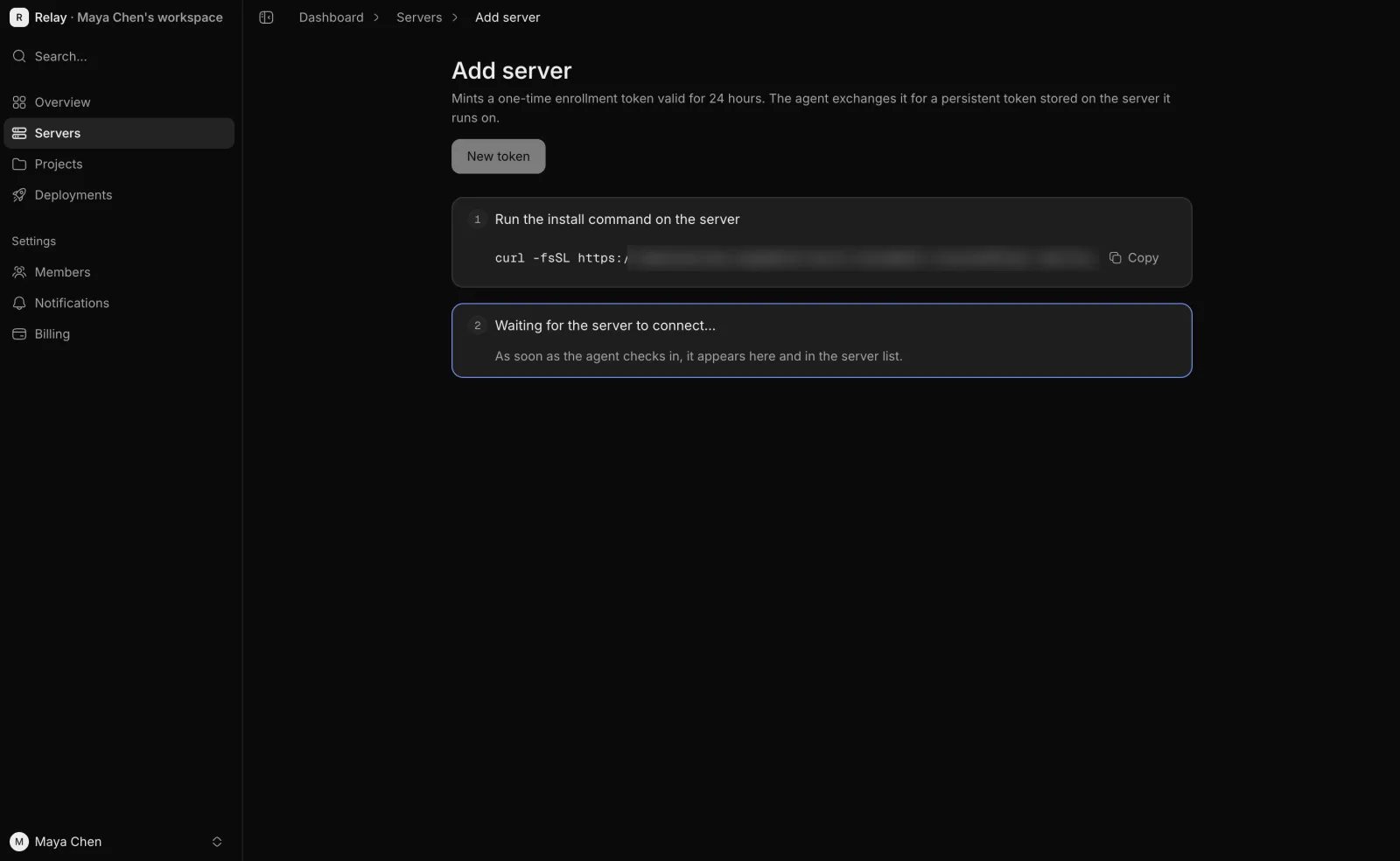
One line to enroll a server
Paste a single command into any fresh VPS, homelab box, or dedicated machine. The agent installs under systemd, registers itself, and starts Docker and Caddy for you.
- Installs as a systemd service
- Outbound connection only — no open ports
- Appears in your dashboard in seconds
Made for the wayyou ship
One deploy loop, many shapes of team.
Ship features while you sleep
Merge on Friday afternoon knowing the rollout is health-gated. Bad builds never reach users, and good ones are live in under two minutes.
- Health-gated promotions
- Automatic HTTPS on every service
- Slack updates for the whole channel
Not your averagedeploy script
The glue is gone. The loop is a product.
Shell scripts & CI cron
- Friday-night SSH sessions with a runbook in a tab
- Rollbacks done by re-running a script from scrollback
- Secrets pasted into CI variables with no scoping
- TLS certs renewed by a cron job someone forgot
- No health checks between “started” and “live”
- Logs buried in a CI tab nobody watches
Relay
Available now- Health-gated promotions, every deploy
- One-click rollback to any previous image
- Zero inbound ports on your servers
- Platform-issued HTTPS, verified custom domains
- Build and runtime logs streamed to the dashboard
- One-line agent enrollment under systemd
Stop babysitting deploymentstonight
Connect a repo, enroll a machine, and watch your next push roll out with health checks, HTTPS and logs — before you change a single DNS record.
$curl -fsSL $RELAY_URL/install.sh | sudo sh -s -- $RELAY_URL $TOKEN$uses: divquan/relay-deploy@v1Frequently askedquestions
The short version of everything above.
How is Relay different from Render or Vercel?
The developer experience is deliberately similar — push to deploy, preview environments, streaming logs — but your containers run on machines you own and pay for directly. Relay is the control plane; your VPS, dedicated box or homelab is the fleet.
Do I need to open ports on my server?
No. The agent makes an outbound WebSocket connection to the Relay API and keeps it alive. There is no inbound management port, nothing to firewall carefully, and nothing to attack.
What does the agent actually run?
It installs as a systemd service and drives Docker plus Caddy on your behalf. Caddy handles TLS certificates and routing; the agent pulls images, starts containers, runs health checks, and switches traffic between versions.
How do rollbacks work?
Every built image stays in your registry. A rollback promotes a previous image through the same health-gated path as a normal deploy — usually a few seconds of traffic switching, not a rebuild.
Which architectures and registries are supported?
The relay-deploy GitHub Action builds linux/amd64 and linux/arm64 images out of the box. Images land in your own registry, so your artifacts stay in your infrastructure.
Can I bring my own domain?
Yes. Add the domain in the dashboard and Relay verifies ownership before Caddy ever requests a certificate for it. Until then, every project already gets a working HTTPS URL on a platform domain.